01Identity
Know who is acting.
Supported surfaces show a name, role, and queue to distinguish the agent from an anonymous process.
BIA converses. Internal agents are in alpha. Codex, Claude Code, and your own agents can connect through the currently available MCP tools.
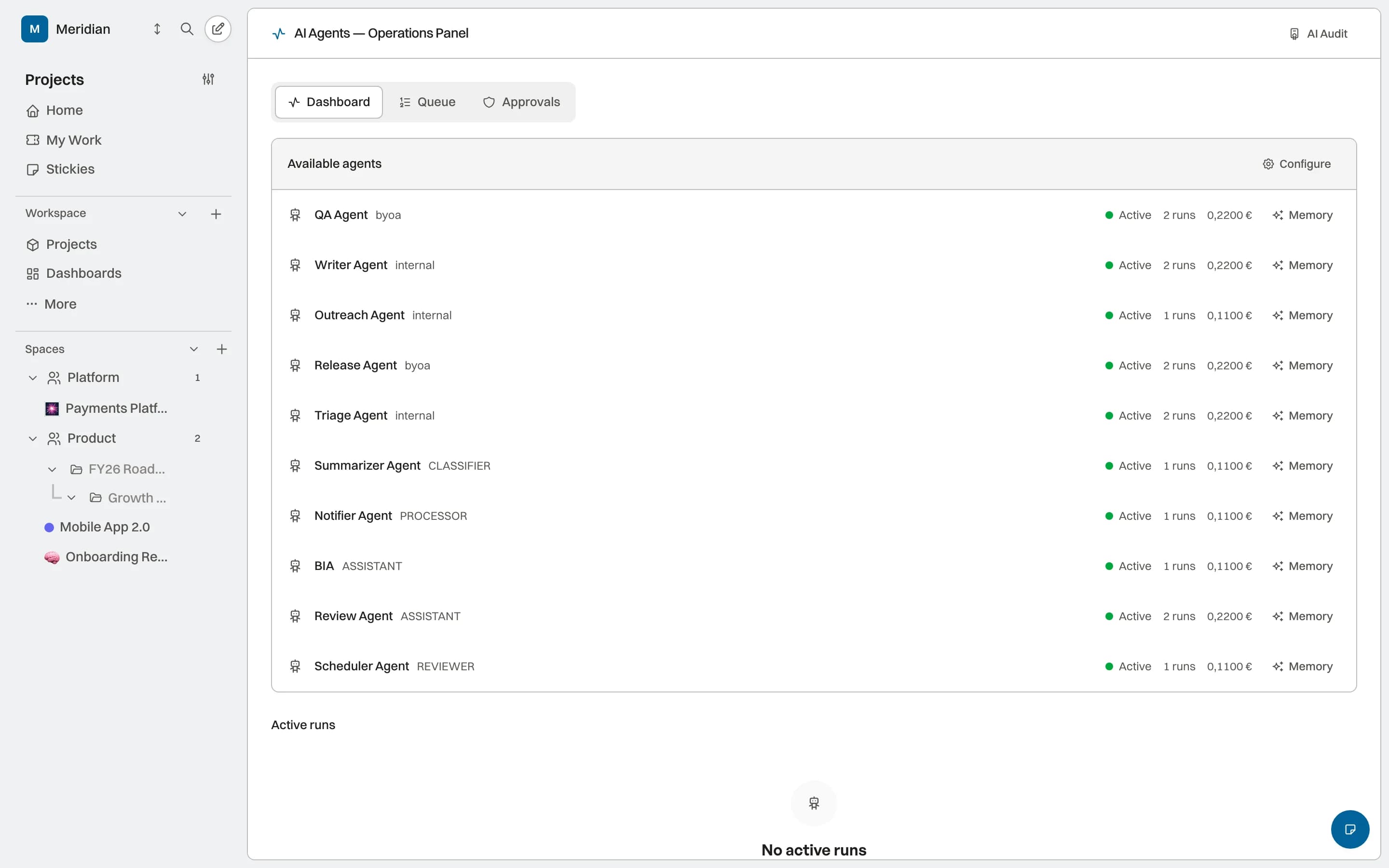
Each capability starts from the same work and retains recognizable references to its context. AI, permission, and activity coverage is stated by status.
07 core capabilitiesBIKLABS gives each configured agent a recognizable place: an assignment, bounded context, and activity the team can review according to the available capability.
Supported surfaces show a name, role, and queue to distinguish the agent from an anonymous process.
A supported run uses the projects, tools, and knowledge bounded by its configuration.
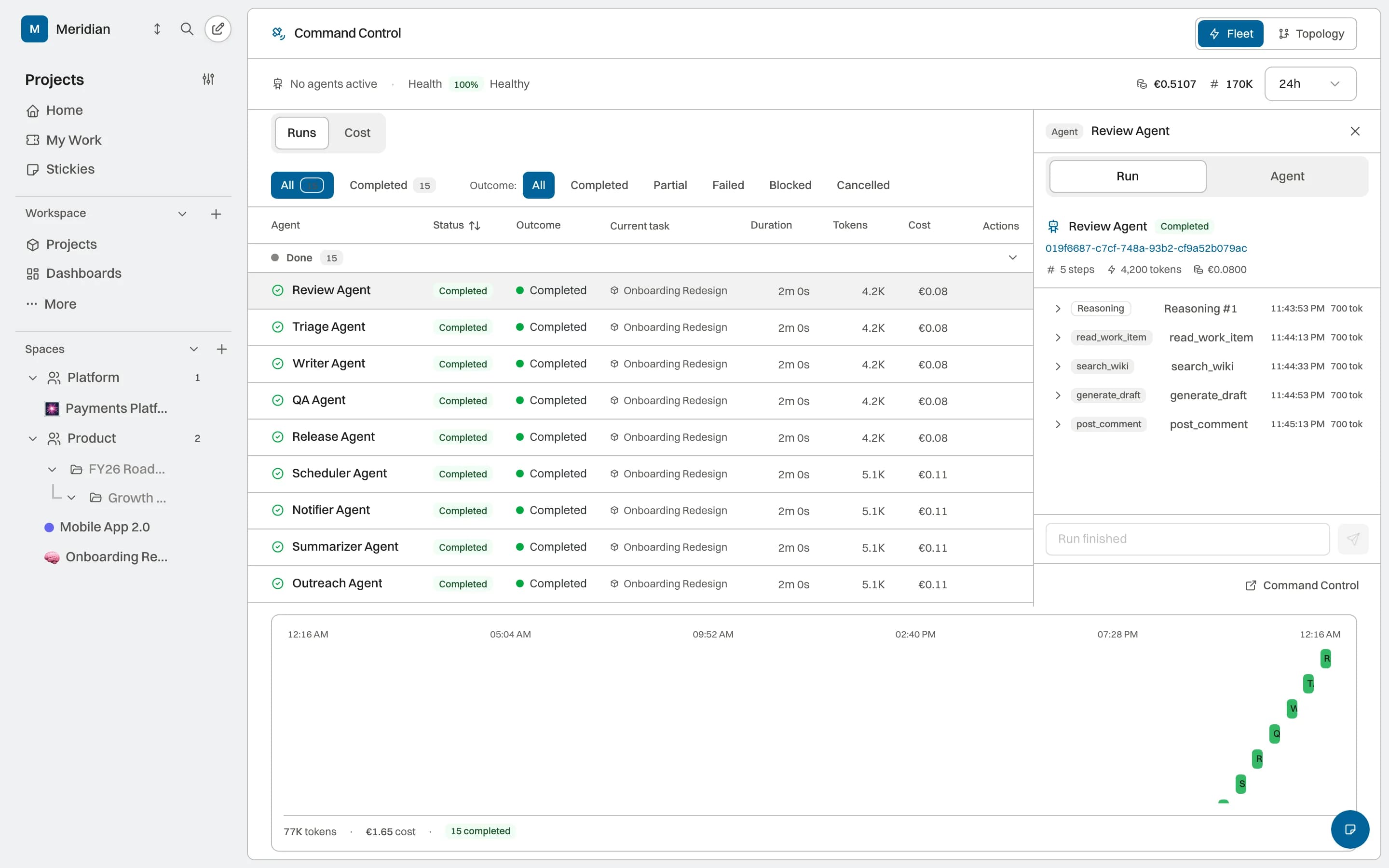
The run surface can show outcome, activity, and metrics when the run and provider expose them.
BIA is in Preview, internal agents are in Alpha, and BYOA (Bring Your Own Agent) uses the current MCP surface. They share the project model, but each door keeps its own scope.
BIA consults permitted project, work-item, and page context to answer and propose supported actions. Coverage depends on the enabled scope and does not assume workspace-wide access.
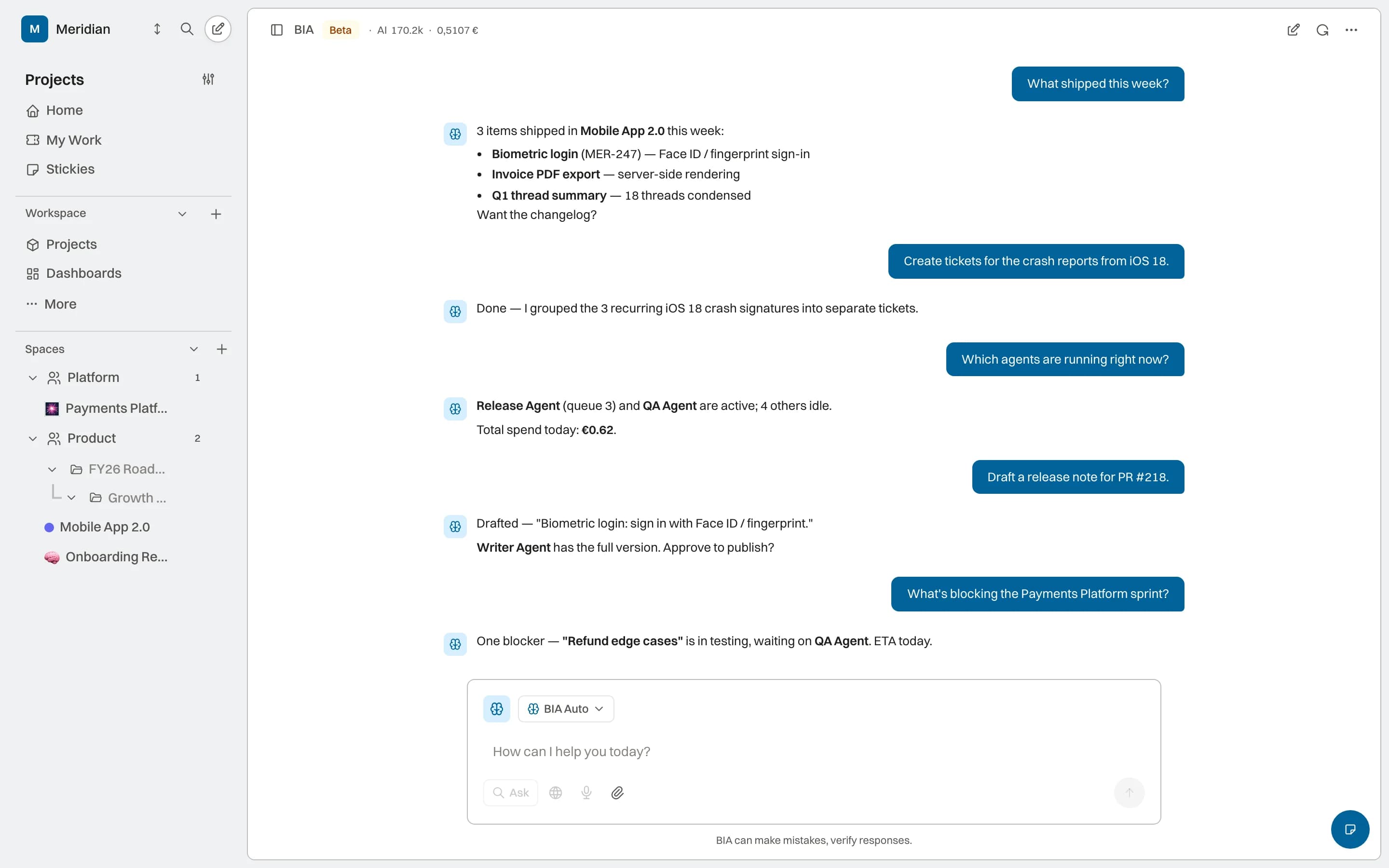
Supported surfaces bring identity, approval, cost, and activity beside the agent and the work. Each data point appears according to availability.
Agent surfaces expose a name, role, and configuration so automation is not anonymous. Full integration with assignment, permissions, and activity continues to evolve during the alpha.
A visible name and role in the same assignment lists as the team
Permissions and context bounded for each agent identity
Available activity associated with the identity
Gates can hold supported actions before execution and request a human decision. Coverage by agent, project, and action type is under validation; we do not claim every output is blocked automatically.
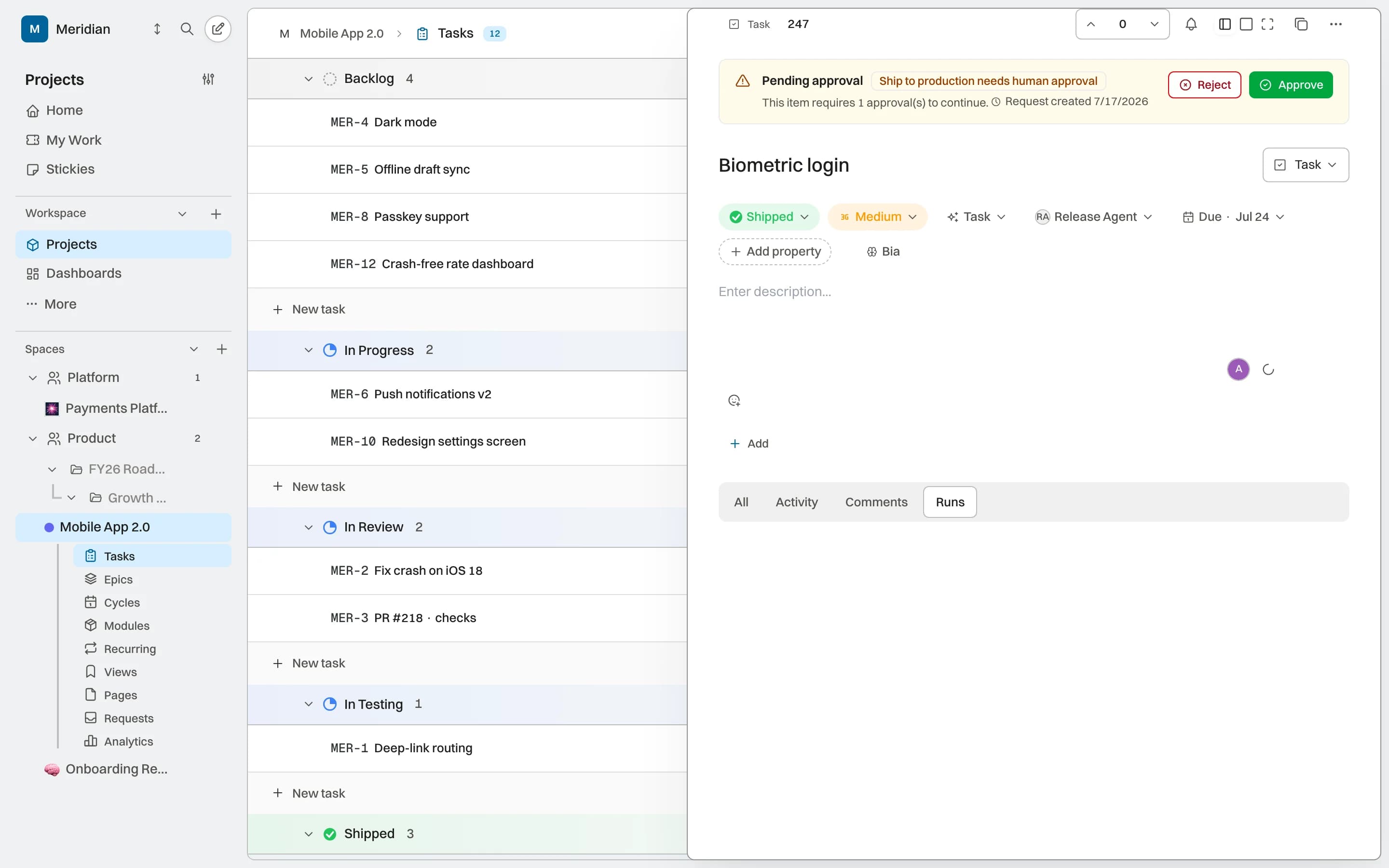
The runs view can show duration, tokens, and cost when the provider returns those metrics. Limits and aggregates remain under validation, and not every run exposes the same level of detail yet.
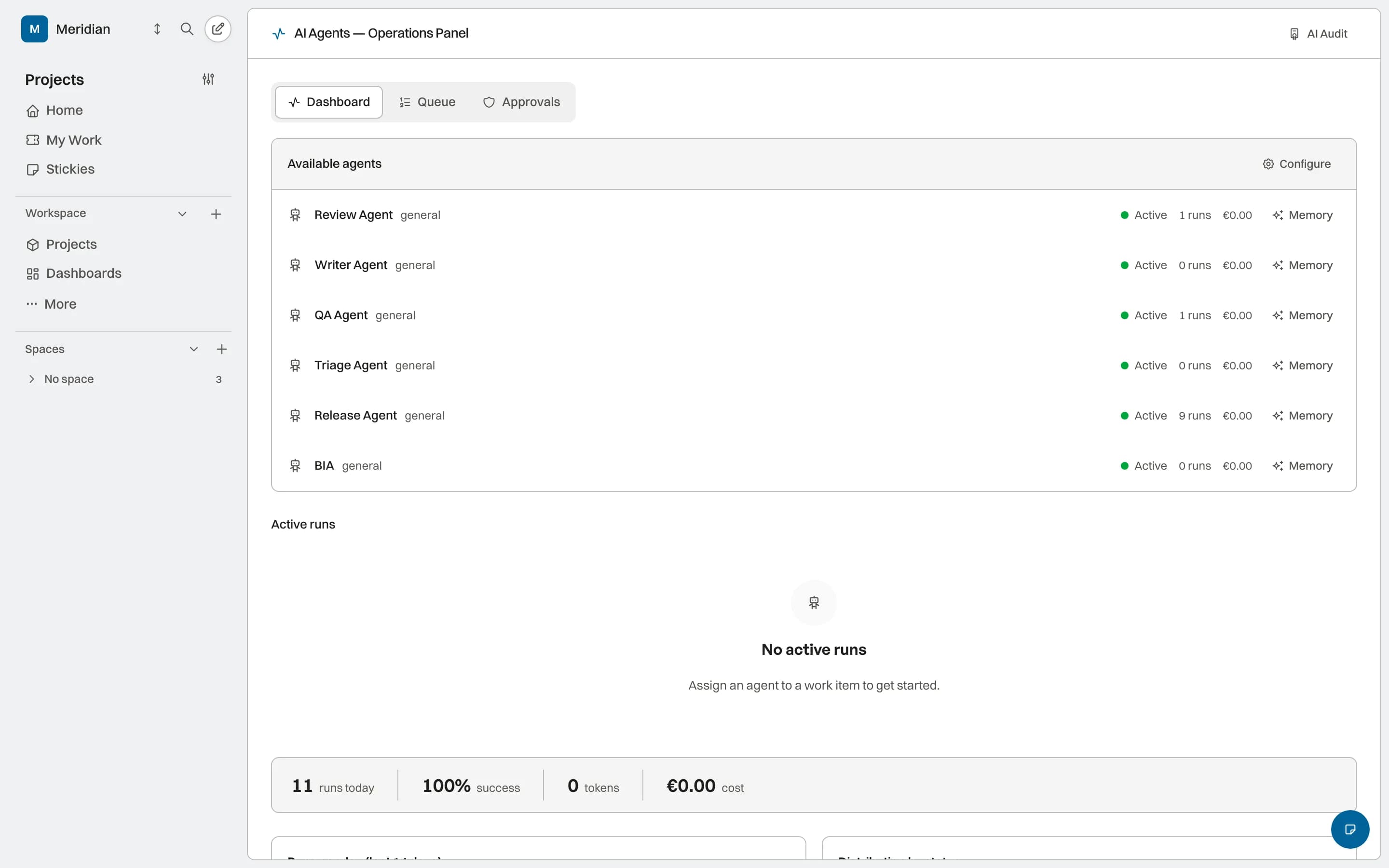
Supported run events leave visible activity for reviewing actor, state, and outcome. Exhaustive provenance, export, and complete audit coverage remain in development.
Direct answers about how this capability fits into the work system.
BIA is the workspace conversation interface in Preview. Internal agents are in Alpha for bounded tasks. External agents such as Codex, Claude Code, or your own can use the current MCP surface while keeping their execution environment.
Full access is not assumed. The agent uses the scope and tools that are enabled; the permission model and its coverage continue to expand.
In supported workflows, a pilot gate can pause a transition for review. The responsible person sees the proposal, actor, and context before the workflow continues.
The Preview view shows consumption, duration, and cost when the provider returns those metrics. Coverage, aggregates, and budget limits are still under validation.
Projects, knowledge, and AI capabilities sharing the same operating context.