01Vocabulary
The system speaks like your team.
Define types and properties that reflect your domain without losing a shared structure.
Objective, properties, relationships, conversation, activity, and approval stay together, using the vocabulary your team actually works with.
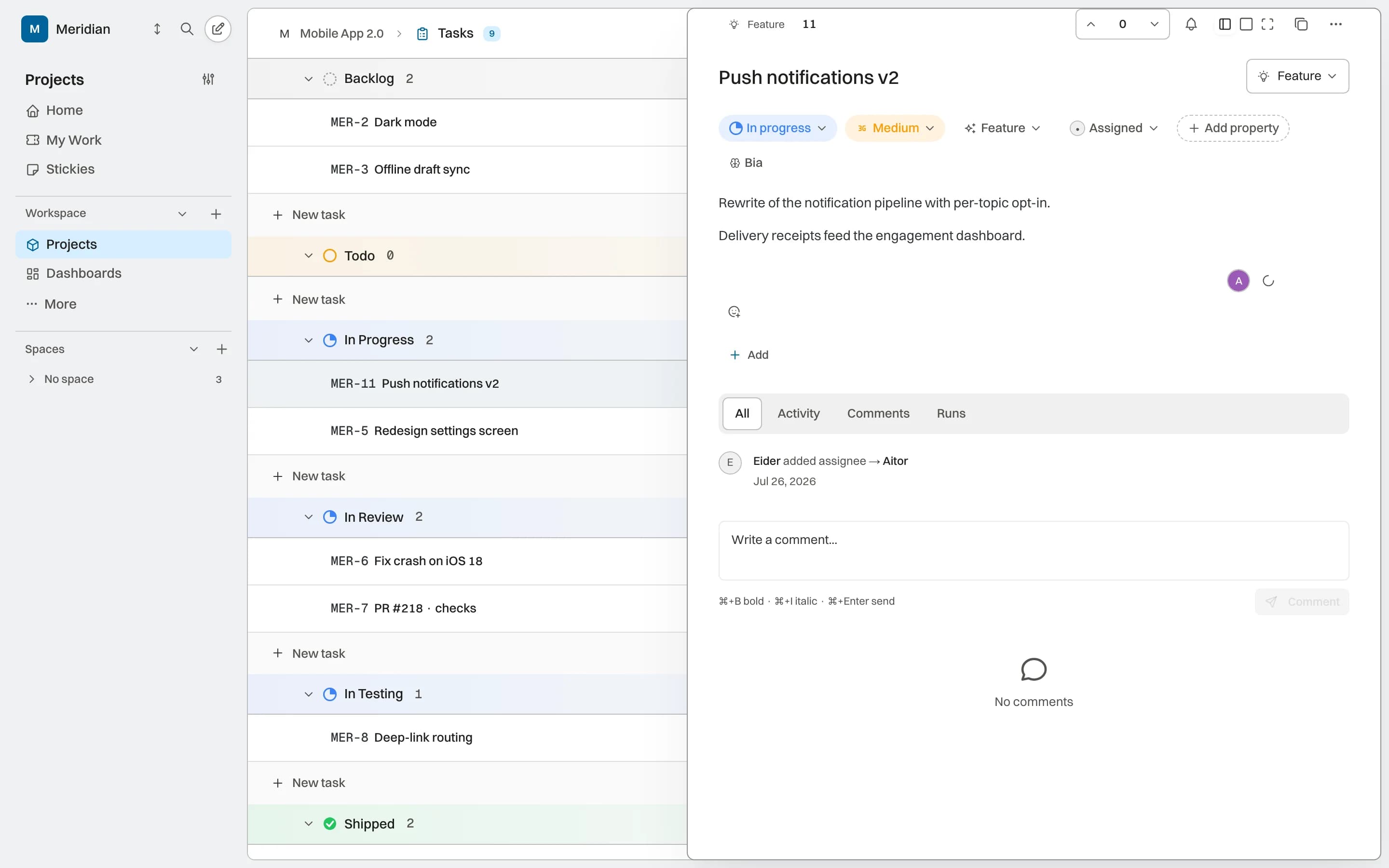
Each capability starts from the same work and retains recognizable references to its context. AI, permission, and activity coverage is stated by status.
07 core capabilitiesBIKLABS brings the objective, owners, relationships, conversation, and activity around the same work item so the team does not have to rebuild its context.
Define types and properties that reflect your domain without losing a shared structure.
Hierarchies, checklists, and relationships turn an intention into coordinated work.
Comments, states, and activity stay attached to the work; approvals are added where the pilot is enabled.
A work item brings definition, structure, ownership, conversation, and activity together. Approval is added to transitions where the pilot is enabled.
Epic, Issue, Work Package, Task, and Subtask share one model. Types and properties let projects adapt their vocabulary to the team domain.

Checklists and relationships help break down and connect work. Deep hierarchy and placement rules remain in development and are validated separately.
Status, priority, assignee, cycle, module, dates, estimate, labels, custom fields. Everything visible in the side panel without losing the overview. Configurable per project.
Text, number, date, select, and URL describe work with domain-specific data. Availability in filters and views depends on the enabled capability.
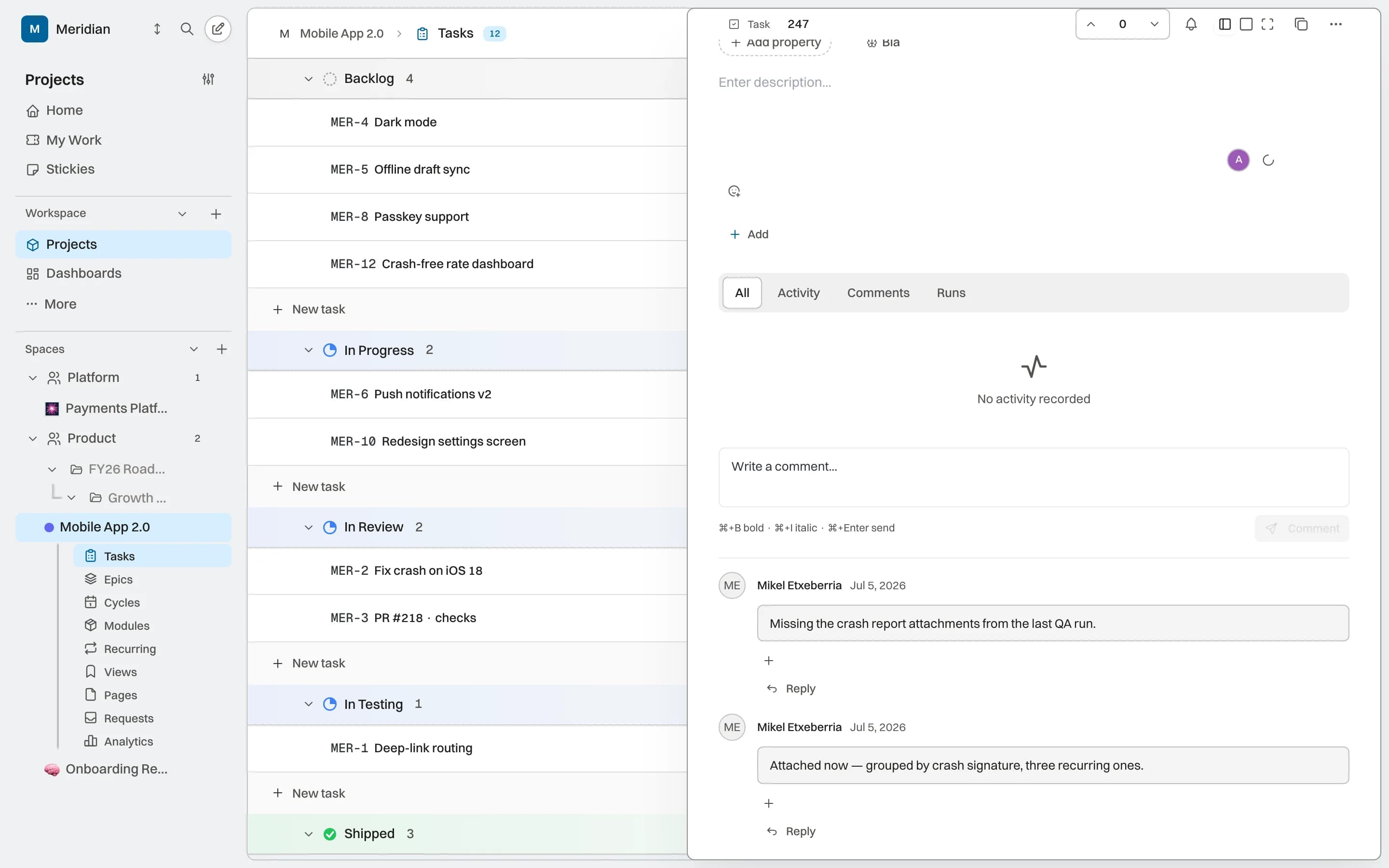
Link work items with typed relations. Agent assignment and returned activity are in alpha and depend on the supported operations of the connected agent.
Chronological feed: threaded comments, reactions, state changes, logged time, file attachments. No need to ask "who changed this?" — it is all there.
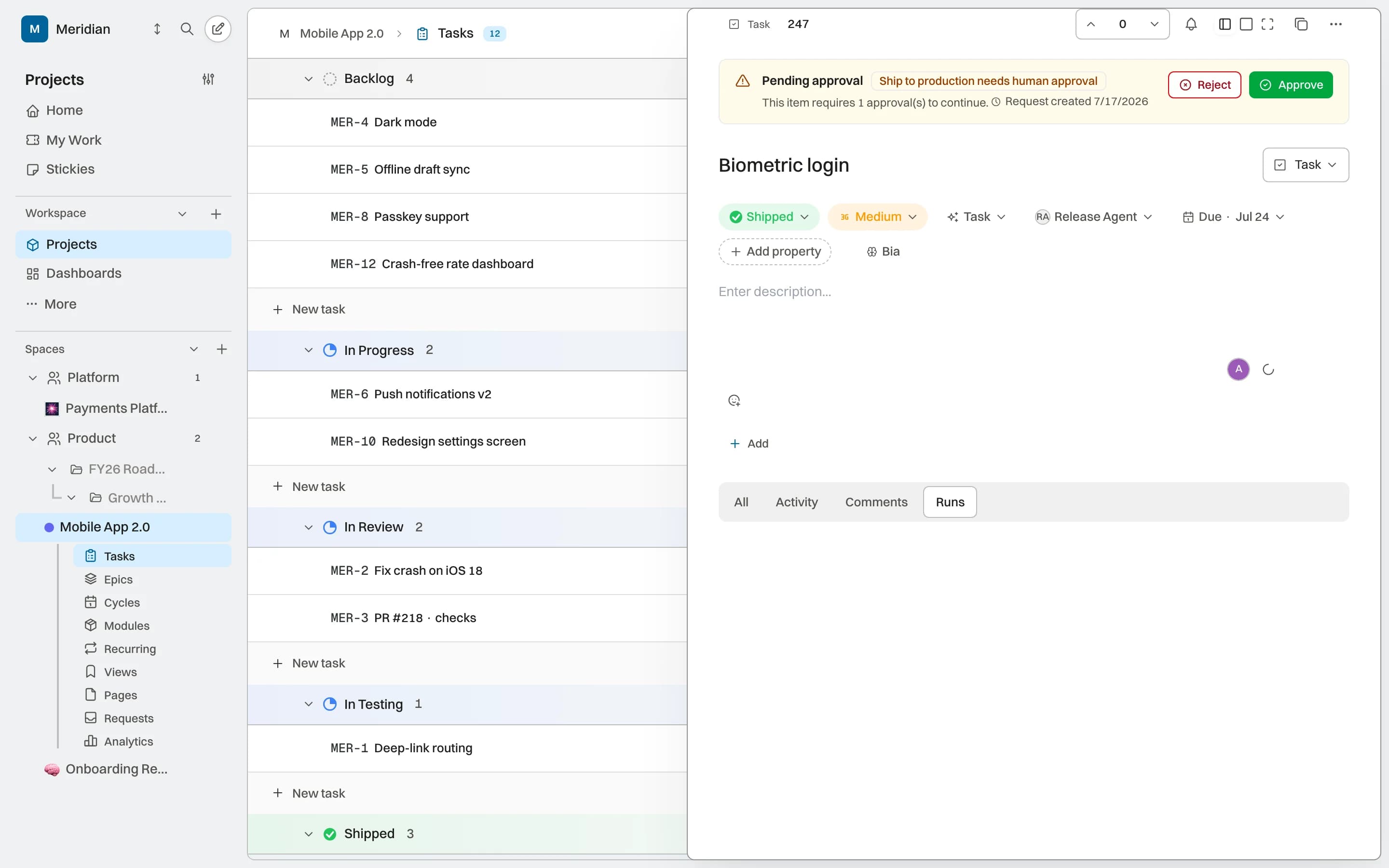
The gates pilot can require approval on supported transitions. Coverage depends on the project and enabled capability; it does not apply automatically to all work.
Direct answers about how this capability fits into the work system.
No. Each project can use types and vocabulary adapted to its domain while keeping the same structured BIKLABS model underneath.
Typed relationships make blockers, blocked work, and connected items visible. That information follows the views and the context available to agents.
Agent assignment is part of the alpha. Availability depends on the agent, enabled tools, and current identity and permission coverage.
No. The work item keeps comments, subtasks, relationships, attachments, and activity when its cycle, state, or owner changes.
Projects, knowledge, and AI capabilities sharing the same operating context.