01Ask
Answers from live work.
Consult progress, blockers, decisions, and change without manually gathering information across screens.
The preview consults supported projects, work items, or pages and can prepare actions within its enabled scope.
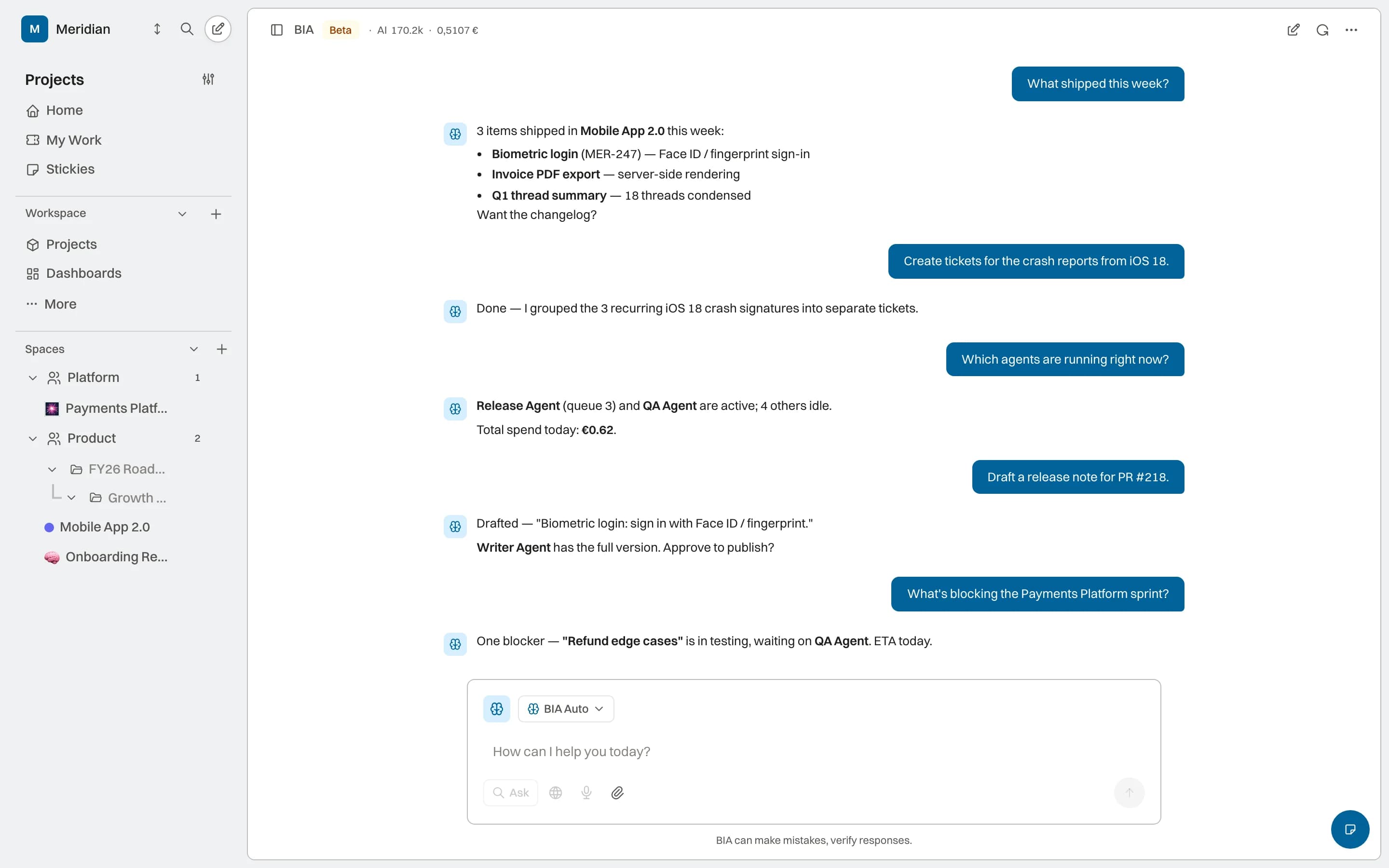
Each capability starts from the same work and retains recognizable references to its context. AI, permission, and activity coverage is stated by status.
04 core capabilitiesBIA can start from the project, page, or work item in view. Source, permission, and action coverage continue to expand during the preview.
Consult progress, blockers, decisions, and change without manually gathering information across screens.
BIA can structure a work item, summarize a cycle, or prepare an update using the available context.
Available configuration determines which context it consults and which actions it can propose.
BIA does not live in a window separate from the product. It starts from authorised context, shows what it finds, and returns the outcome to the same system.
The intent changes. Available scope and activity stay visible.
Ask about a project, cycle, or work visible on the current surface. BIA uses supported sources it can access and presents an answer for review.
From a project or work item, a question such as “what is blocking this?” can use the visible reference. Shortcuts and direct actions are communicated as they become enabled.
Direct answers about how this capability fits into the work system.
BIA operates inside the workspace and uses authorized context from projects, wiki, and work items. A conversation can become visible work instead of ending as an isolated answer.
BIA should not assume access beyond its scope. Available operations depend on preview configuration; a sensitive action should be reviewed where a compatible control exists.
Not when it is already part of the current surface or accessible workspace. BIA can start from the project, page, or work item where you are working.
The result returns to the system of work and its activity remains connected to the relevant context, so the team can see what happened and continue from there.
Projects, knowledge, and AI capabilities sharing the same operating context.